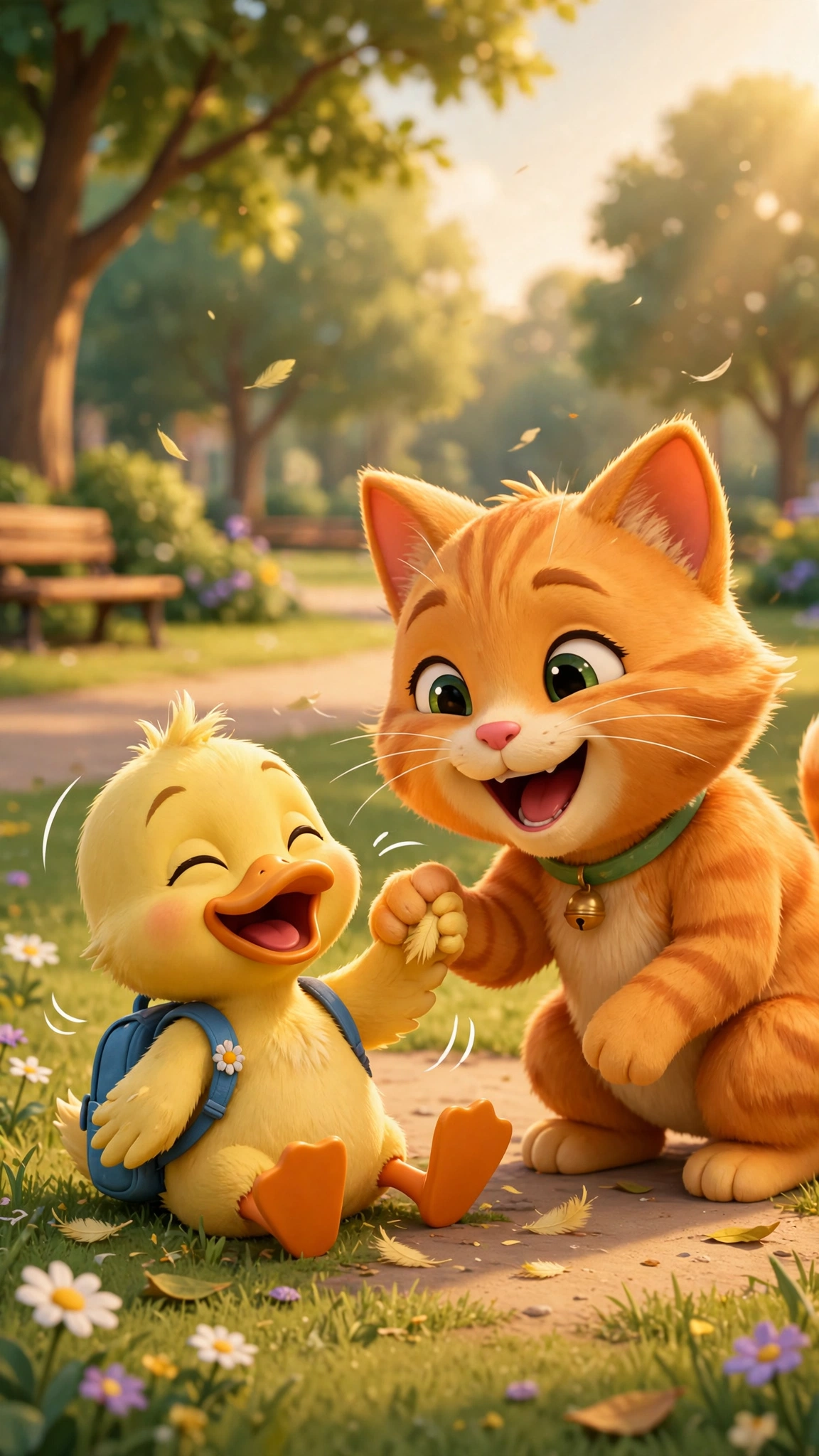
What it makes: a 3D cartoon video — a friendly orange cat and a small yellow duckling walk through a sunny park, the duckling trips, the cat helps it up, both laugh. 'Pixar-style 3D cartoon' is a style description only, not an official Pixar product. Who it is for: creators making 3D cartoon videos without a full animation studio. Settings: image-to-video (Kling / Veo / Luma / Flow), 9:16, 10-15 seconds, same character descriptions every time. How to use: write the two characters once, reuse them; generate shot by shot; keep dialogue to 2-5 words per line, one speaker at a time. Problems and fixes: characters change shape — fix their descriptions and use reference images; faces look uncanny — use a simpler, rounder cartoon style; story is unclear — keep it to one small event only. Variations: change the animals (cat and duck, lion and snake, dog and bird); change the setting (park, classroom, kitchen); make it a Hindi cartoon with short Hinglish lines. Why it works: a 3D animated-film look with soft lighting and expressive faces is one of the most shareable AI styles, and it works for kids content, birthday videos and channel intros. Tips for better results: describe the character once in detail (age, hair, clothes, colours) and reuse that exact text; ask for big expressive eyes and soft studio lighting; keep one emotion per clip; generate a still image first, then animate it image-to-video for better consistency. Good to know: create original characters rather than copying known film characters, which are protected by copyright. FAQ: Can I use my own photo? Yes — upload it as a reference and ask the tool to keep your facial features in a cartoon style.
Prompt
Vertical 9:16, 12 seconds. A 3D cartoon scene in a soft, rounded, Pixar-style look: a friendly orange cat and a small yellow duckling walk through a sunny park, the duckling trips, the cat helps it up, both laugh. Warm light, expressive faces, gentle motion, family-safe, no on-screen text, no real brands. Label as AI-generated.
Example output
A soft 3D cartoon: an orange cat helps a duckling up in a sunny park, both laughing.
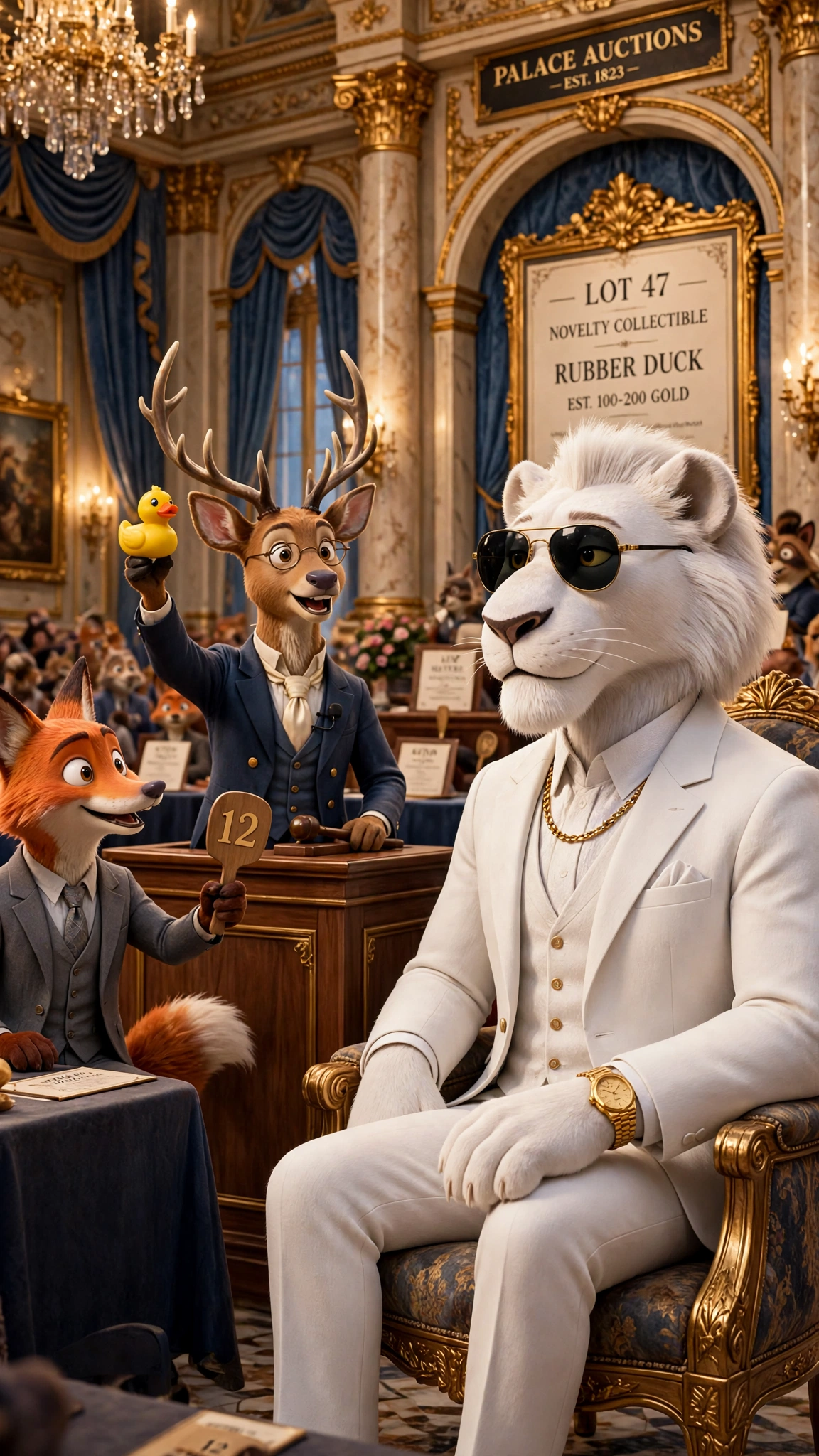
Anthropomorphic tall white lion, thick snow-white mane, pale gold eyes, tailored white three-piece suit, gold Cuban-link chain, gold watch, black aviator sunglasses. Setting: a palace auction hall, vertical 9:16, 15 seconds, 6 shots, hard cuts only, one speaker at a time. A deer auctioneer reveals a rubber duck as the prize. A fox in a grey suit bids 10 lakh. Sheru Bhai, sitting calmly, says in Hinglish: 'Meri boli, ek arab!' and wins. Everyone stares. Sheru lowers his sunglasses and smiles. No on-screen text, no real brands.
Vertical 9:16, 12 seconds. A fluffy orange cat in a tiny martial-arts outfit practices kung fu in a bamboo garden: slow bow, fast punch, spinning kick, then a calm landing. Photorealistic fur, cinematic motion, one clean move per shot, no on-screen text, no real brands. Label as AI-generated.
Vertical 9:16, 12 seconds. A golden retriever in a tiny bow tie stands behind a bar, polishing a glass, then slides a drink across the counter to a surprised customer. Photorealistic, warm bar light, deadpan and funny, no on-screen text, no real brands. Label as AI-generated.
Vertical 9:16, 10 seconds. A cute AI baby in a soft onesie dances to a cheerful beat: gentle bounce, spin, tiny wave, big smile at the end. Soft pastel room, warm light, smooth motion, family-safe, no on-screen text, no real brands. Label as AI-generated.