
Pixar Snow Globe AI Prompt — Christmas Reel
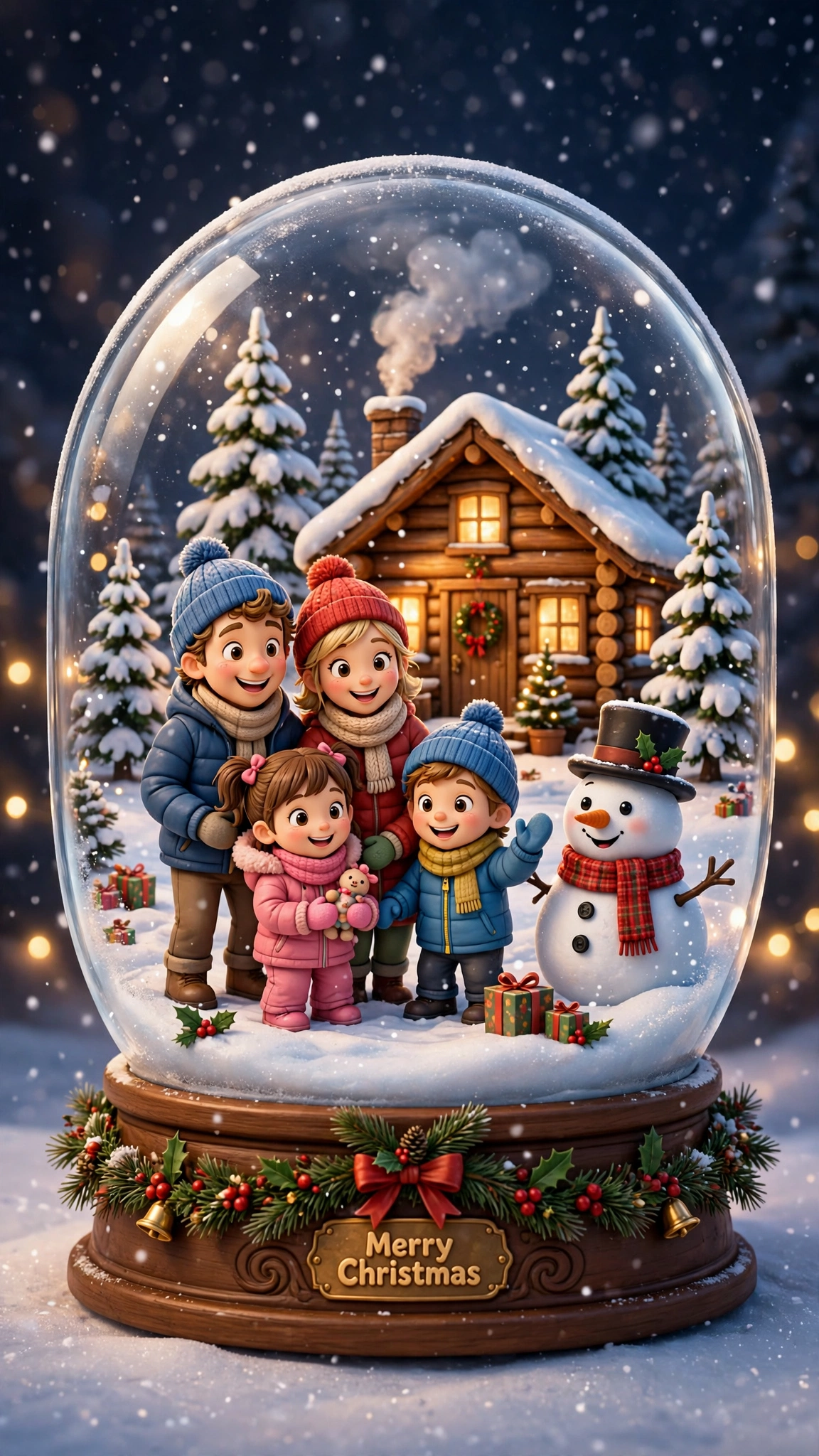
What it makes: An 11-second vertical Christmas video. A real group photo slides up like a blind to reveal a 3D cartoon snow globe, with cartoon versions of the same people among snowy pines, a snowman and warm window lights, snow falling gently. The globe shakes softly at the end. Who it is for: Creators making Christmas Reels and Shorts in November-December 2026. About the format: This Christmas format started on 13 November 2026 and was still growing in late November. 'Pixar-style 3D cartoon' is used here only as a style description; this is not an official Pixar product. Results vary by tool; this prompt does not promise viral reach, followers or earnings. Tool settings: Seedance, Kling or CapCut templates. 9:16 vertical, 11 seconds. How to use it: 1. Start from one clear photo. 2. Generate the snow-globe reveal from that photo. 3. Add gentle snowfall and a soft shake at the end. 4. Check the cartoon faces still look like the people in the photo. 5. Label the video as AI-generated on Reels or Shorts. Common problems and fixes: - Faces change too much: use the same photo as the reference and keep the cartoon style consistent. - Snow looks noisy: reduce the snowfall amount. - The reveal is too fast: hold the globe shot for at least 3 seconds. Variations: Vlogmas intro version - a cartoon version of yourself walks in wearing Christmas pyjamas and reveals a 'Welcome to Vlogmas' mirror; Baby Riding Reindeer version for a family reel. AI disclosure: This is an AI video prompt. The cartoon people, snow globe and footage are AI-generated. Do not claim it is an official Pixar product, and do not use real brands.
Vertical 9:16, 11 seconds. A real group photo slides up like a blind to reveal a 3D cartoon snow globe: cartoon versions of the same people among snowy pines, a snowman and warm window lights, snow falling gently. The globe shakes softly at the end. Warm, cosy, family-safe, no on-screen text, no real brands.
Example output
Share this prompt
More Other prompts
See all