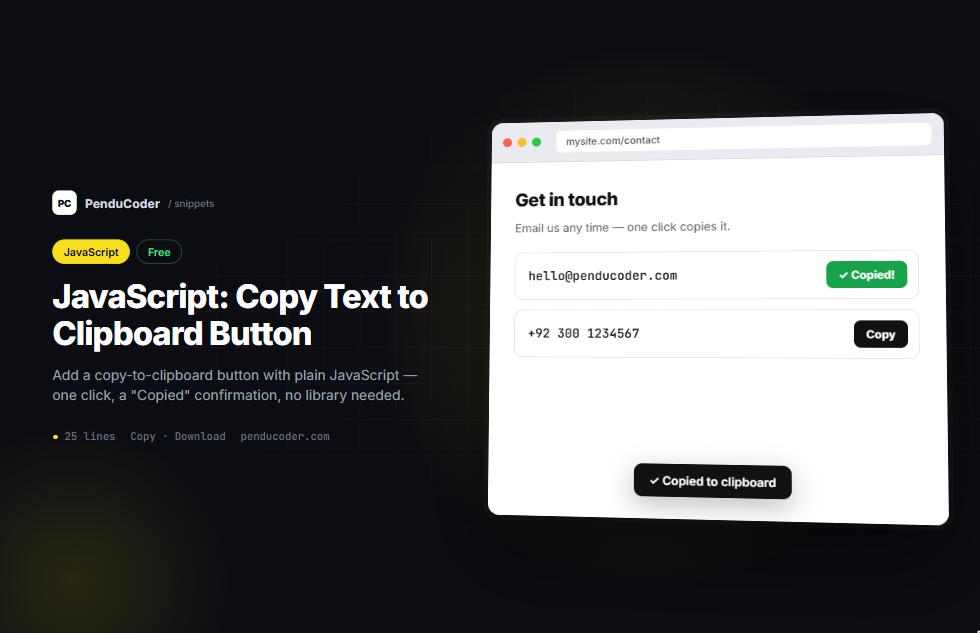
A "Copy" button saves users from fiddly text selection — perfect for coupon codes, email addresses, referral links, API keys and code examples. This snippet adds copy-to-clipboard buttons with plain JavaScript using the modern Clipboard API, and shows a short "Copied!" confirmation so users know it worked.
How it works
- Each button stores the text to copy in a data attribute.
- On click, the script calls
navigator.clipboard.writeText(), which returns a promise. - On success, the button label briefly changes to "Copied!" and then resets. If copying fails, the error is caught so the page does not break.
How to use it
- Add the button markup wherever you need it, with the text in its data attribute.
- Include the script once, at the end of the page or in your main JavaScript file. One script handles every button on the page.
- Style the button to match your design.
Requirements
- The Clipboard API works only on HTTPS pages (and on
localhost). - It must be triggered by a user action such as a click.
- All modern browsers support it.
Accessibility tips
- Use a real
<button> element so it works with the keyboard. - Announce the result to screen readers with an
aria-live="polite" region.
Common problems
- Nothing happens: the page is on plain HTTP, or the script ran before the buttons existed — load it at the end of the page or after
DOMContentLoaded. - Works on desktop, not inside an iframe: the iframe needs clipboard-write permission.
Related: Dark mode toggle · Debounce a search input