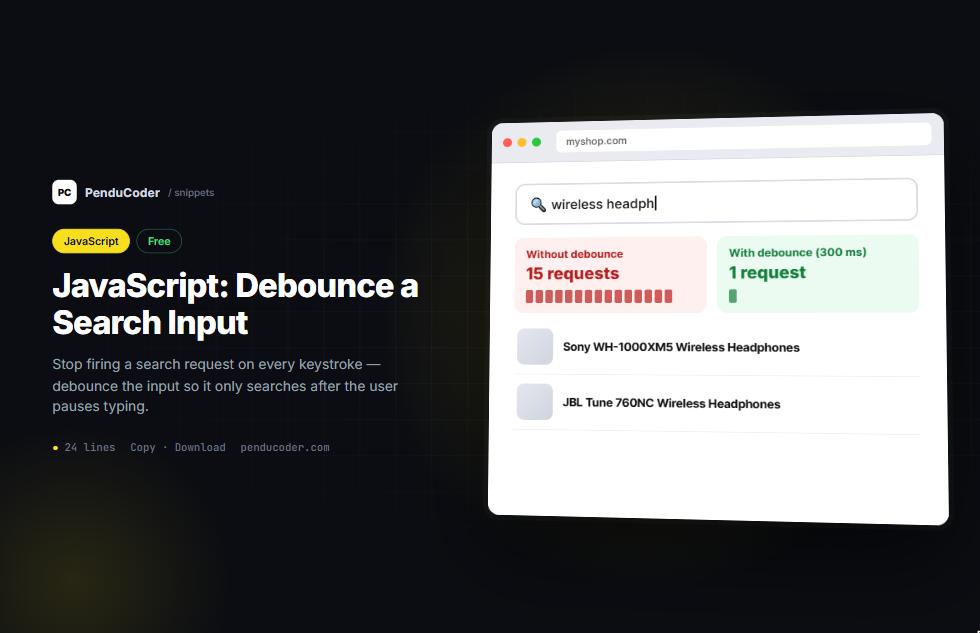
A search box that sends a request on every keystroke hammers your server: typing "laptop" fires six requests, five of them useless. Debouncing waits until the user pauses typing — typically 300 milliseconds — and then runs the search once. This snippet is a tiny, reusable debounce function in plain JavaScript, wired up to a search input.
How it works
debounce() takes a function and a wait time and returns a new function.- Every time the new function is called, it cancels the previously scheduled call with
clearTimeout() and schedules a fresh one with setTimeout(). - Only when calls stop for the full wait time does the original function actually run — with the latest arguments.
How to use it
- Wrap your search function: the input's
input event calls the debounced version. - Inside the search function, fetch results from your API and render them.
- Encode the query with
encodeURIComponent() when building the URL.
Choosing the delay
- 200–300 ms feels instant for search-as-you-type.
- 500 ms or more suits expensive operations like saving drafts.
Debounce vs throttle
Debounce runs once after activity stops — ideal for search boxes and window resize handlers. Throttle runs at most once every X milliseconds during activity — ideal for scroll tracking and progress bars.
Common problems
- Old results appear after new ones: a slow earlier request finished last. Cancel previous requests with an
AbortController, or ignore out-of-date responses. - Empty query sends a request: skip the search when the input is empty or shorter than 2 characters.
Related: Eloquent search scope (the server side) · Live search with Livewire