
Python: Summarize Text with the OpenAI API
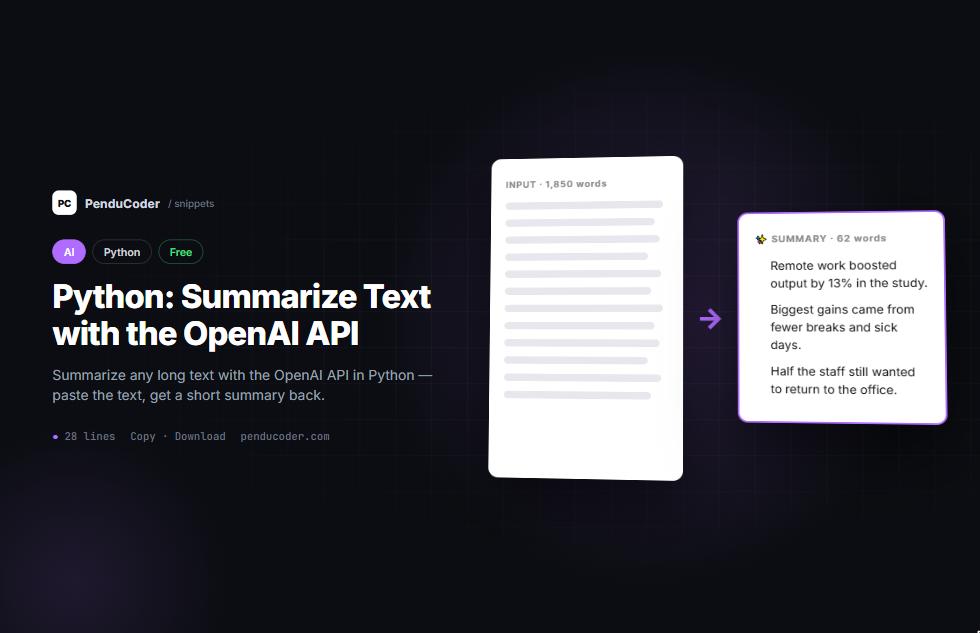
Summarize any long text with the OpenAI API in Python — paste the text, get a short summary back.
28 lines · Updated Nov 26, 2026
import os
import requests

def summarize(text, max_words=100):
    response = requests.post(
        "https://api.openai.com/v1/chat/completions",
        headers={
            "Authorization": f"Bearer {os.environ['OPENAI_API_KEY']}",
            "Content-Type": "application/json",
        },
        json={
            "model": "gpt-4o-mini",
            "messages": [
                {
                    "role": "system",
                    "content": f"Summarize the following text in under {max_words} words. Keep only the main points.",
                },
                {"role": "user", "content": text},
            ],
        },
        timeout=60,
    )
    response.raise_for_status()
    return response.json()["choices"][0]["message"]["content"]

if __name__ == "__main__":
    article = open("article.txt", encoding="utf-8").read()
    print(summarize(article))
About this snippet
Summarising is one of the most useful AI features you can add to a project: long article, meeting notes, support ticket or PDF in — short, clear summary out. This snippet sends text to the OpenAI API from Python with a focused instruction and prints the summary, keeping your API key safely in an environment variable.
How it works
- It reads your API key from the
OPENAI_API_KEYenvironment variable. - It sends the text to the chat API with a system instruction such as "Summarise in 5 bullet points for a busy reader".
- It reads the model's reply from the response and prints it, raising a clear error if the request fails.
How to use it
- Create an API key in your OpenAI account and set it as an environment variable.
- Install the dependency listed in the install notes and set the model name your account has access to.
- Pass in your text — from a file, a PDF (see extract text from a PDF) or a web page.
Write better summary prompts
- Say who the summary is for and how long it should be: "3 bullet points for a manager".
- Ask for a format: bullets, a one-line TL;DR, or key decisions and action items.
- Tell the model to use only the provided text, to reduce made-up details.
Cost and limits
- You pay per token (roughly per word) for both input and output, so very long documents cost more.
- For text longer than the model's context window, split it into chunks, summarise each, then summarise the summaries.
Privacy and safety
Do not send passwords, personal data or confidential documents unless your agreement with the provider allows it. Never commit your API key to Git.
Common problems
- 401: missing or wrong API key. 429: rate limit or no credit — retry with exponential backoff.
Related: AI prompts library · 10 Python automation projects
How to install
Set OPENAI_API_KEY as an environment variable — never hard-code it. Install with pip install requests. Change the model name to the one your account uses.
Share this snippet