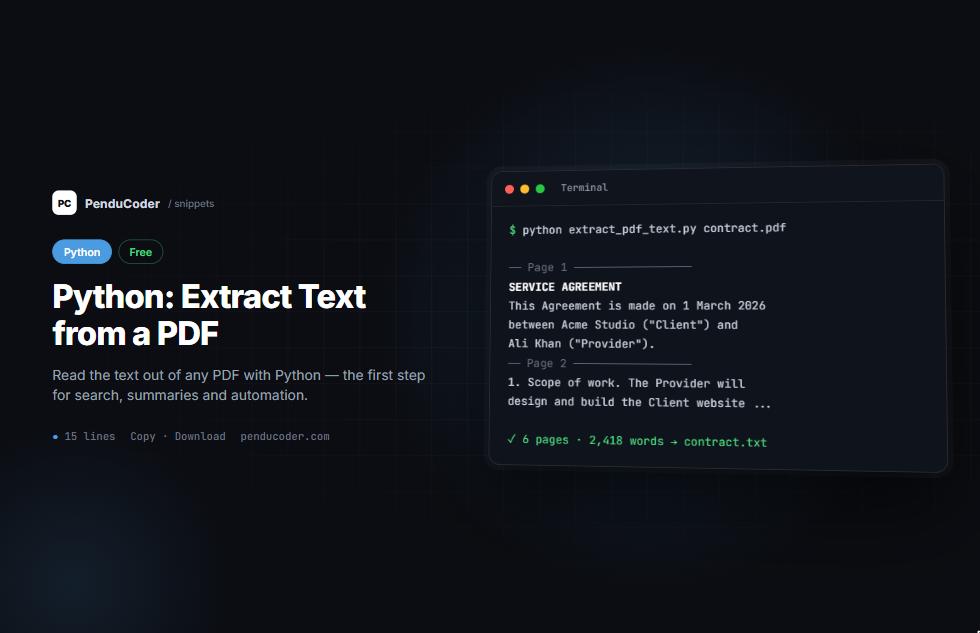
Getting text out of PDFs is the first step for many automations: searching contracts, reading invoice totals, feeding documents to an AI summariser or importing data into a spreadsheet. This snippet extracts the text from every page of a PDF with Python and pypdf, in just a few lines.
How it works
- It opens the PDF with a reader object.
- It loops over the pages and calls text extraction on each one.
- The text is joined together and printed or saved to a
.txt file, page by page.
How to use it
- Install pypdf:
pip install pypdf. - Set the input file path and run the script.
- Check the output — layout-heavy documents may need a little cleaning.
Important limitation: scanned PDFs
Text extraction only works when the PDF contains real text. A scanned document is just an image of text, so extraction returns nothing. For scans, use OCR — for example Tesseract with the pytesseract package, or an OCR-enabled PDF tool.
Ideas to extend it
- Search many PDFs for a keyword and list which files and pages contain it.
- Pull invoice numbers and totals with regular expressions.
- Send the text to an AI model for a summary — see summarize text with the OpenAI API.
Common problems
- Words run together or come out in odd order: PDFs store text by position, not by sentence. Try the layout extraction mode, or a library such as
pdfplumber for tables. - Strange characters: some PDFs use custom font encodings that cannot be decoded reliably.
FAQ
Can it extract tables? Basic text yes; for structured tables, pdfplumber or Camelot give better results.
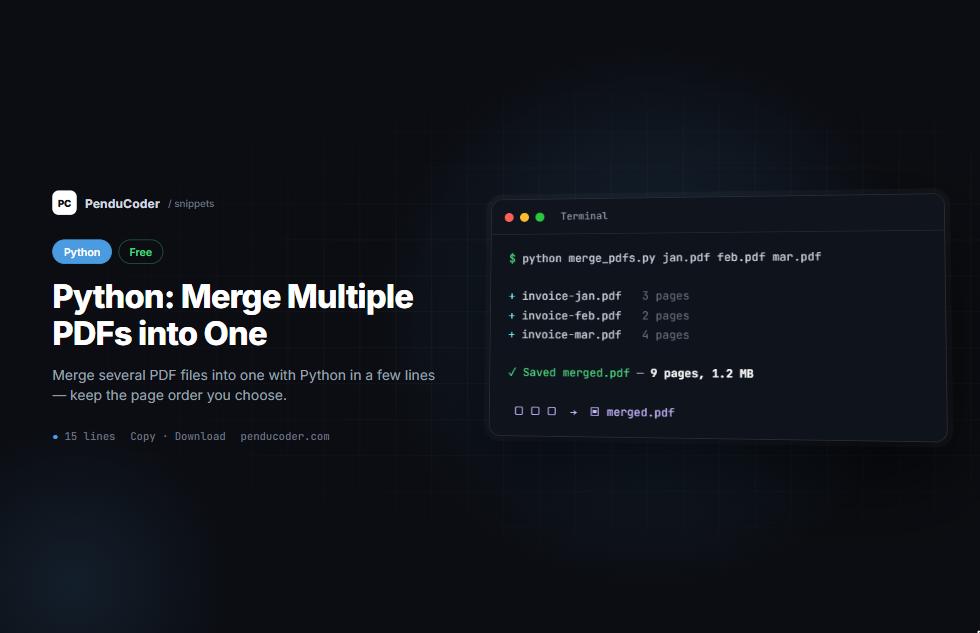
Related: Merge PDFs · 10 Python automation projects