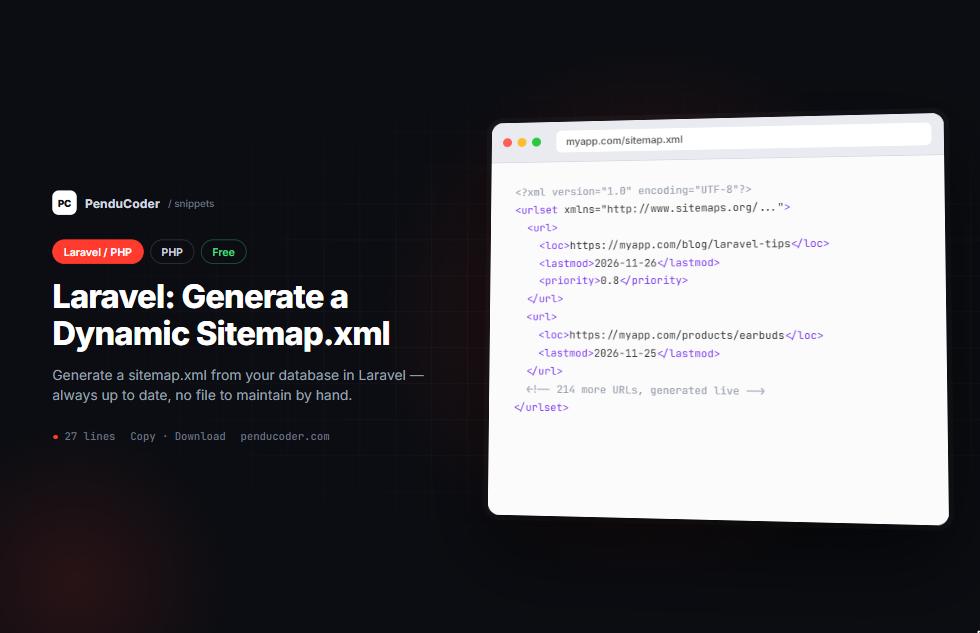
A sitemap tells Google and Bing which pages exist on your site and when they last changed, which helps new content get discovered and indexed faster. A static sitemap.xml goes out of date the moment you publish a new post. This snippet generates the sitemap dynamically from your database, so every new post, product or page appears automatically.
How it works
- A route responds to
/sitemap.xml. - The controller loads published records — posts, pages, products — selecting only the columns it needs.
- It builds XML entries with each URL and its last-modified date and returns the response with an XML content type.
How to use it
- Add the route and code, then open
/sitemap.xml in your browser to check the output. - Add
Sitemap: https://yoursite.com/sitemap.xml to your robots.txt. - Submit the sitemap in Google Search Console and Bing Webmaster Tools.
Best practices
- Include only canonical, indexable, published URLs — no drafts, admin pages, filters or duplicates.
- Cache the generated XML for an hour or so, and clear it when content is published.
- A single sitemap can hold up to 50,000 URLs; beyond that, use a sitemap index.
Common problems
- "Couldn't fetch" in Search Console: make sure the response has an XML content type and nothing (like a blank line or debug bar) is printed before the XML declaration.
- Invalid characters: escape URLs with special characters such as
&.
FAQ
Do I need priority and changefreq tags? Google ignores them; an accurate lastmod is what matters.
Related: Deploy Laravel on a VPS · Log 404 errors