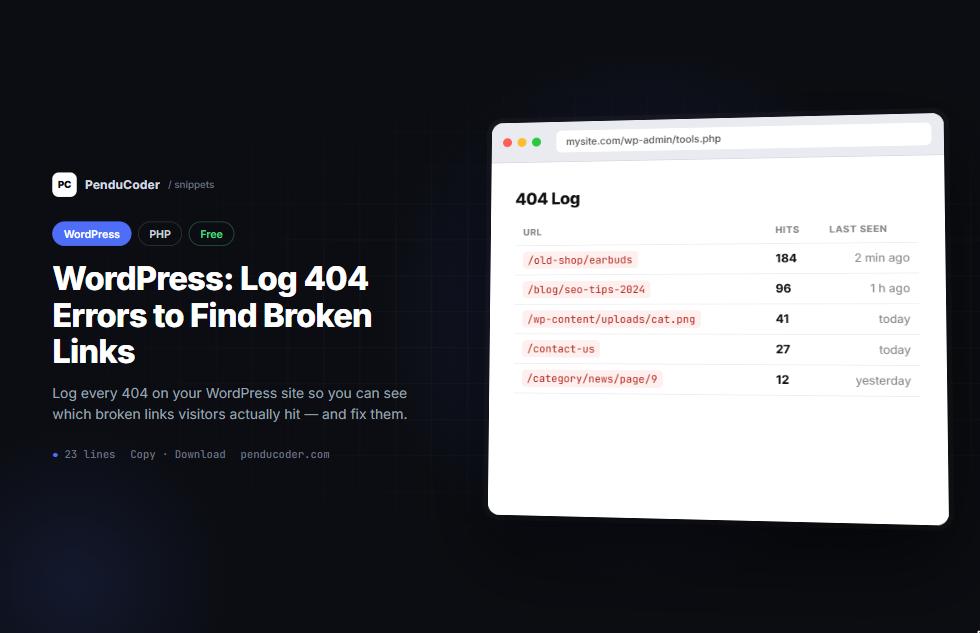
Every 404 error is a visitor who wanted something and did not find it — often because of an old link, a changed slug or a typo in a menu. Search Console shows some of them days later; this snippet logs them as they happen. It records each 404 with the requested URL, the referring page and the time, so you can fix broken links and add redirects where they matter.
How it works
- The snippet runs on a WordPress hook that fires on every front-end request.
- When WordPress has decided the request is a 404, it records the requested URL, the referrer and the date.
- Entries are written to a log so you can review them later.
How to use the log
- Referrer is your own site: you have a broken internal link — fix the link.
- Referrer is another site or Google: the page used to exist — add a 301 redirect to the closest matching page.
- Random paths like
/wp-admin.php.bak or /.env: bots scanning for weaknesses — ignore them, but make sure those files really do not exist.
Keep it under control
- Limit the log size or rotate it, so bot traffic cannot fill your disk.
- Store the log outside public folders, or protect it, because it contains visitor data such as referrers.
- Review it weekly, fix the top items, then clear it.
Common problems
- Nothing logged: a caching layer or CDN may serve 404 pages without running WordPress, or your theme handles missing pages with a 200 status (a "soft 404") — check the real status code in DevTools.
FAQ
Do 404 errors hurt SEO? 404s for pages that never existed are normal. Broken internal links and lost backlinks to removed pages are worth fixing with redirects.
Related: Dynamic sitemap · Custom dashboard widget