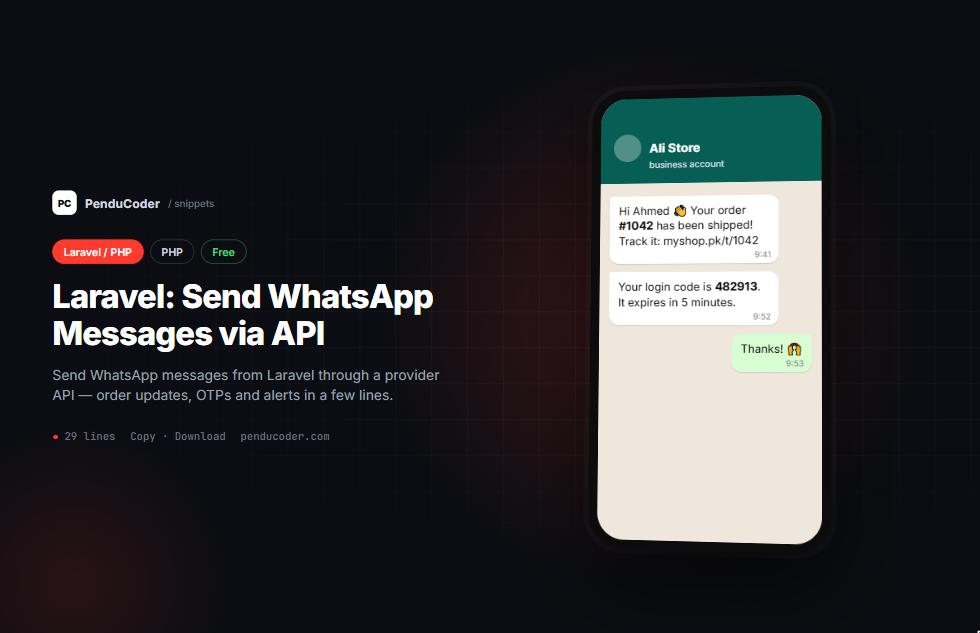
WhatsApp is where customers actually read messages — order confirmations, OTPs, delivery updates and appointment reminders get far more attention there than in email. This snippet sends a WhatsApp message from a Laravel application through a messaging API using Laravel's HTTP client, so you can notify customers straight from your code.
How it works
- Your API credentials (token and sender ID) are read from
config/.env, never hard-coded. - Laravel's HTTP client sends a POST request with the recipient's number and the message.
- The response is checked; failures are logged so you know when a message did not go out.
How to use it
- Get API access from your provider — Meta's WhatsApp Cloud API or a WhatsApp Business Solution Provider — and verify your business number.
- Store phone numbers in international format, e.g.
923001234567. - Send messages from a queued job, not during the web request, so a slow API never slows down checkout.
Rules you must know
- Business-initiated messages outside a 24-hour customer-service window must use pre-approved message templates.
- Only message people who opted in. Unsolicited messages can get your number restricted.
- Unofficial "WhatsApp Web" automation tools break WhatsApp's terms and risk a ban — use an official API.
Common problems
- 401 / invalid token: the access token has expired; use a permanent system-user token.
- Message not delivered: the template is not approved, or the number format is wrong.
FAQ
Is it free? Providers charge per conversation or message, with prices varying by country and message category. Check your provider's current pricing.
Related: Delayed queued job with retries · What is Laravel Livewire?