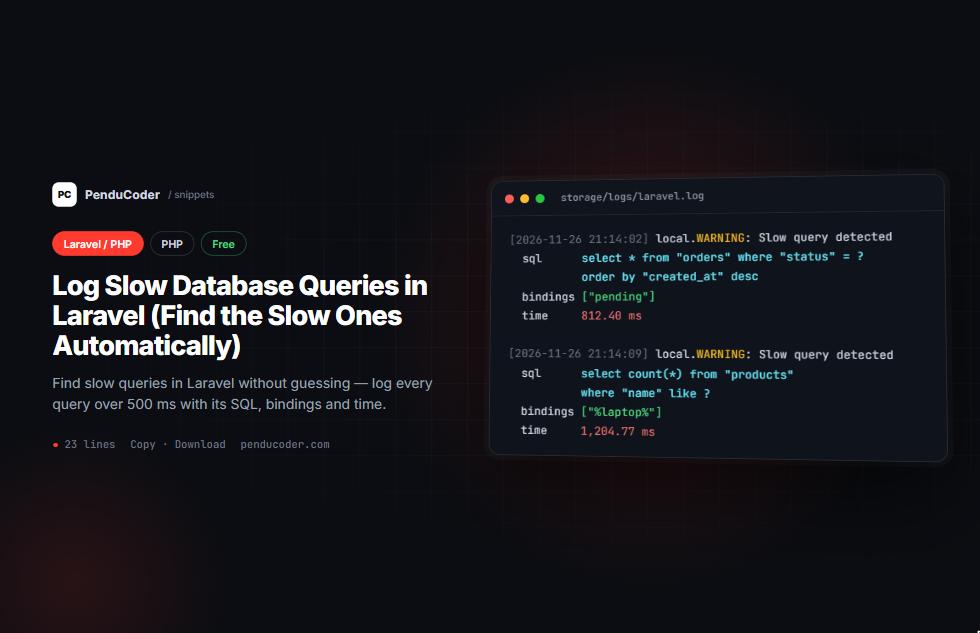
"The dashboard is slow" is the most common complaint in any Laravel application, and the cause is almost always one or two database queries. Instead of guessing, this snippet listens to every query Laravel runs and writes the slow ones — with their SQL, bindings and execution time — to your log. Leave it running in production and the slow queries find you.
How it works
- Laravel fires an event after every database query. The snippet registers a listener for that event in a service provider.
- When a query takes longer than your threshold (for example 500 ms), it logs the SQL, the bound values and the time in milliseconds.
- Fast queries are ignored, so the overhead is a single comparison per query.
How to use it
- Add the code to the
boot() method of AppServiceProvider. - Use the
daily log channel so log files rotate. - Browse the slow pages, then check
storage/logs for "slow query" entries.
What to do with a slow query
- Run it in MySQL with
EXPLAIN. A full table scan (type: ALL) usually means a missing index on a WHERE, JOIN or ORDER BY column. - If the same query appears dozens of times per request, you have an N+1 problem — eager-load the relationship with
with(). - For large result sets, paginate or select only the columns you need.
Common problems
- Nothing is logged: your threshold is higher than your slowest query, or config is cached — run
php artisan optimize:clear. - Privacy: bindings may contain emails or other personal data. Keep the log private.
FAQ
Is it safe in production? Yes — the cost is tiny, and production is where real slow queries appear.
Related: System design basics · Deploy Laravel on a VPS