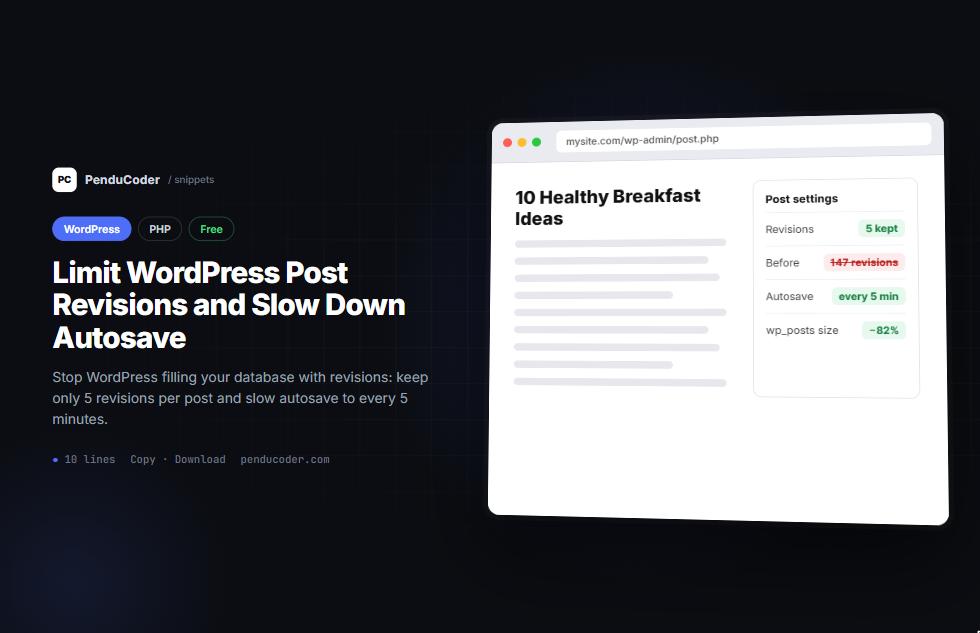
Every time you press Save or Update, WordPress stores a complete copy of the post as a revision — and it never deletes them on its own. On an active blog that quietly adds thousands of rows to the wp_posts table, which makes backups bigger, database queries slower and migrations more painful. This snippet caps how many revisions WordPress keeps and makes autosave run less often, so your database stays lean without losing the ability to undo recent changes.
How it works
- A revision limit tells WordPress to keep only the most recent revisions for each post and discard older ones on the next save.
- A longer autosave interval reduces how often the editor sends background saves while you write, which also reduces server requests on slow hosting.
How to use it
- Back up your site and database.
- Add the code where the install notes say — the constants must be defined before WordPress loads its settings, so placement matters.
- Edit and save any post twice, then open the Revisions panel to confirm the limit is applied.
Clean up revisions you already have
The limit only applies to future saves. To remove old revisions, use WP-CLI (wp post delete $(wp post list --post_type=revision --format=ids) --force) or a trusted database cleanup plugin — after taking a backup.
Common problems
- Nothing changes: the constant was added after the line that loads WordPress settings, or a plugin overrides it.
- Revisions disappear completely: a value of
0 or false disables revisions — use a small positive number instead.
FAQ
How many revisions should I keep? Three to ten is a sensible range for most blogs. Sites with many editors may want more.
Does this speed up my site? It mainly keeps the database smaller and backups faster. Front-end speed improvements are usually small but database-heavy admin pages benefit.
Related: 5 code snippets every developer needs · Disable comments on old posts