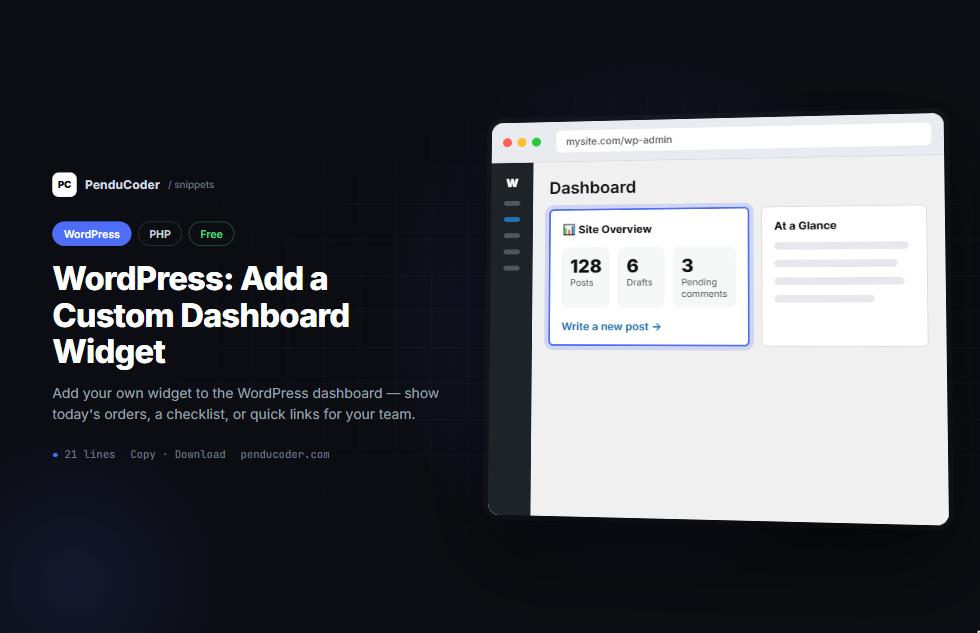
The WordPress dashboard is the first screen clients see after logging in, and it is usually full of widgets they never use. A custom dashboard widget lets you put something useful there instead: support contact details, quick links, a short guide, or key numbers like today's orders. This snippet registers your own widget with the WordPress Dashboard Widgets API.
How it works
- It hooks into
wp_dashboard_setup, the action WordPress runs when building the dashboard. - It registers a widget with an ID, a title and a callback function.
- The callback prints the widget's HTML — any content you want.
How to use it
- Add it to a custom plugin for client sites, so it survives theme changes.
- Escape any dynamic values with functions like
esc_html() and esc_url(). - Show sensitive widgets only to the right users by checking capabilities, e.g.
current_user_can('manage_options').
Widget ideas
- Client support box: your name, email, WhatsApp and a "request a change" link.
- Quick links: "Add product", "View orders", "Edit homepage".
- Site stats: published posts, pending comments, today's WooCommerce orders.
- How-to notes: short instructions for tasks clients repeat.
Tidy up the dashboard
You can also remove default widgets you do not need with remove_meta_box() on the same hook, leaving a clean, branded dashboard.
Common problems
- Widget not visible: it may be hidden under Screen Options, or placed in a column below other widgets.
- Slow dashboard: cache expensive queries with transients.
Related: Custom login page logo · Log 404 errors