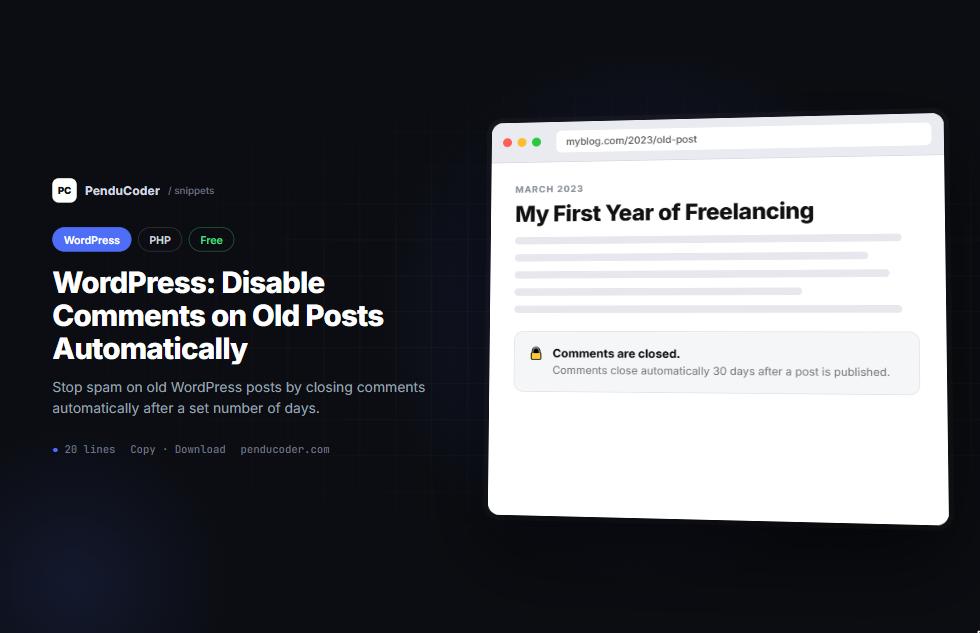
Old posts attract spam comments. A tutorial from three years ago rarely gets useful new discussion, but it does get links to casinos and fake shops — which you then have to moderate. This snippet automatically closes comments on posts older than a set number of days, while keeping existing comments visible.
How it works
The snippet hooks into WordPress's comment-open check. For each post, it compares the publish date with your cut-off. If the post is older, comments are reported as closed; newer posts keep comments open as normal. Nothing is changed in the database, so removing the snippet restores the original behaviour.
How to use it
- Add it to a child theme's
functions.php or a small custom plugin. - Choose your cut-off — 60, 90 or 180 days are common choices.
- Open an old post while logged out to confirm the comment form is gone.
Built-in alternative
WordPress also has a setting under Settings → Discussion: "Automatically close comments on posts older than X days". The snippet is useful when you want different rules per post type or category, or to manage the behaviour in code alongside your other customisations.
Customize it
- Apply the rule only to posts, not pages or products.
- Keep comments open on evergreen posts by checking a category or custom field.
- Close pingbacks and trackbacks too — they are a common spam source.
Common problems
- Form still shows: a caching plugin is serving an old version — purge the cache.
- Theme shows "Comments are closed" text you do not want: hide it in your theme template.
FAQ
Will this delete existing comments? No. Existing approved comments stay visible.
Related: Limit post revisions · Log 404 errors