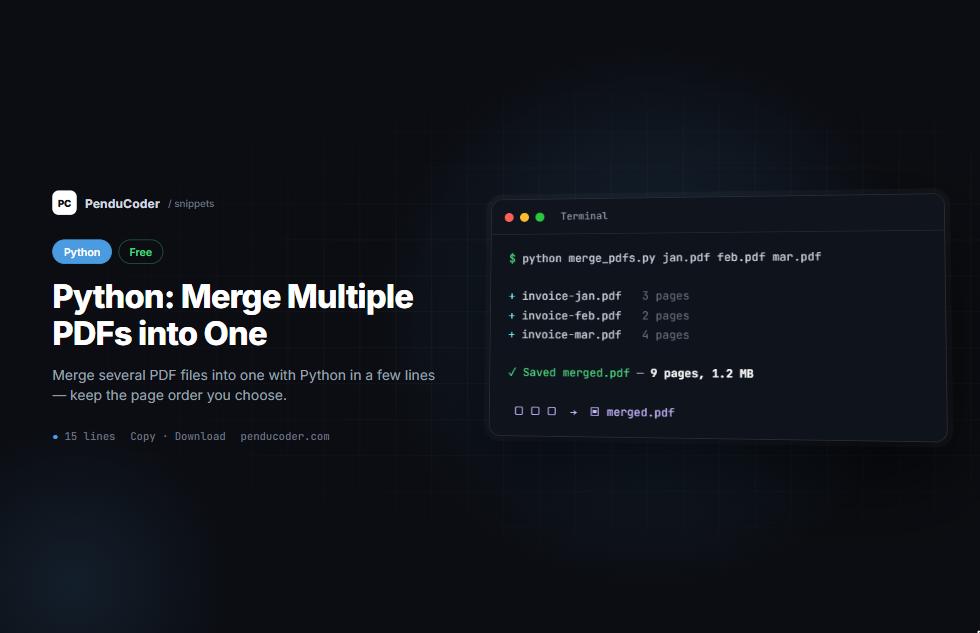
Combining PDFs is a daily task in many offices — monthly invoices, scanned pages, report chapters — and online PDF tools mean uploading private documents to someone else's server. This snippet merges any number of PDFs into one file locally with Python and the pypdf library, in the order you choose.
How it works
- It collects the PDF files to merge, usually from a folder, sorted by name.
- A PDF writer object appends the pages of each file in turn.
- The combined document is written to a new output file; the originals stay untouched.
How to use it
- Install the library:
pip install pypdf. - Put the files in one folder and name them so they sort in the right order (
01-cover.pdf, 02-report.pdf…). - Run the script and open the merged file to check the page order.
Customize it
- Merge only certain pages by specifying page ranges.
- Add bookmarks (outline items) for each original file so readers can jump between sections.
- Process sub-folders to create one merged PDF per client or per month.
Common problems
- Encrypted PDFs: files with a password must be decrypted first with the correct password.
- Huge output file: scanned PDFs are large images; compress them separately if needed.
- Wrong order:
10.pdf sorts before 2.pdf as text — use zero-padded numbers.
FAQ
Is my data uploaded anywhere? No — everything runs on your own computer.
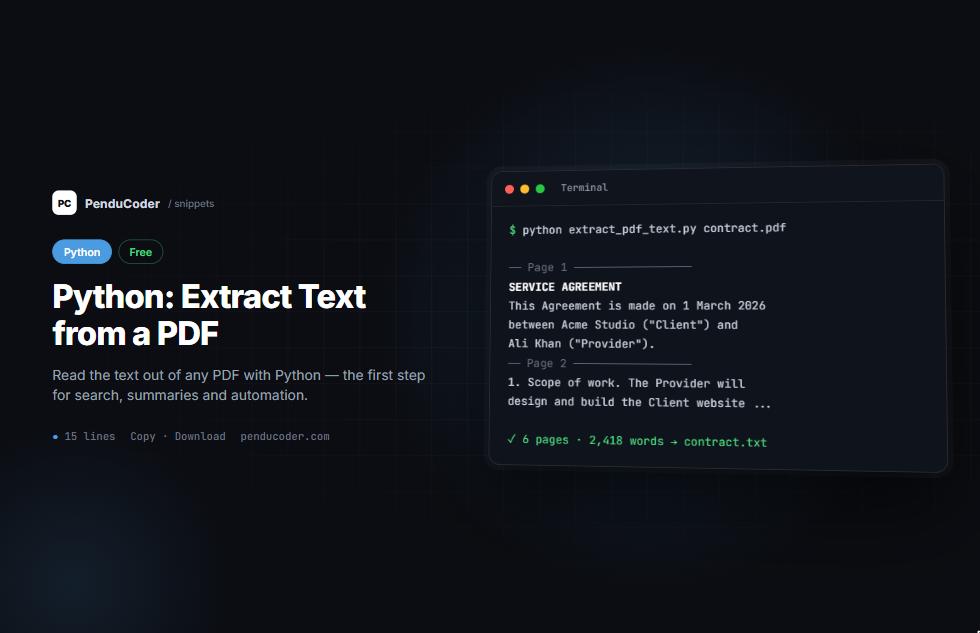
Related: Extract text from a PDF · 10 Python automation projects