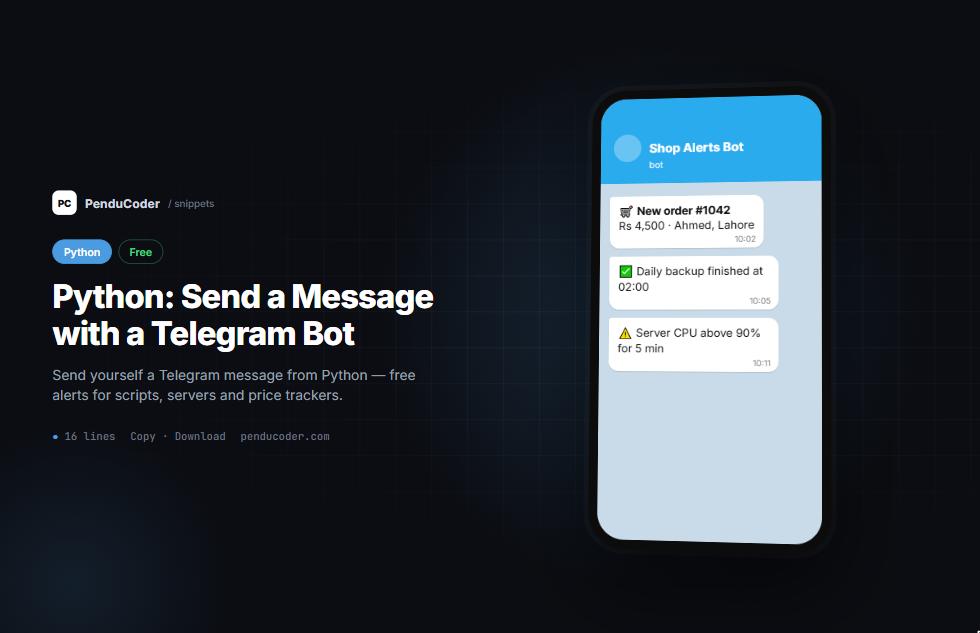
Telegram bots are the easiest way to get instant notifications on your phone from any script: a backup finished, a price dropped, a server went down, a new order arrived. This snippet sends a message through the Telegram Bot API with a single HTTP request in Python — no special library needed.
How it works
- Every bot has a secret token issued by Telegram's @BotFather.
- Every chat (you, a group or a channel) has a chat ID.
- The script sends a POST request to the Bot API's
sendMessage method with the chat ID and the text, and checks the response.
Setup in 3 minutes
- Open Telegram, message @BotFather, send
/newbot and follow the steps to get your token. - Send any message to your new bot, then open
https://api.telegram.org/bot<TOKEN>/getUpdates in a browser and copy the chat.id value. - Save the token and chat ID as environment variables and run the script.
Ideas
- Add it to the end of a backup script, a cron job or a scraper.
- Use
parse_mode HTML or Markdown for bold text and links. - Send to a group to notify a whole team; add the bot to the group first.
Common problems
- "chat not found": you have not started a conversation with the bot yet, or the chat ID is wrong. Group IDs usually start with a minus sign.
- 401 Unauthorized: the token is wrong or was revoked.
- Messages stop under heavy use: Telegram rate-limits bots; batch notifications instead of sending hundreds per minute.
Security
Anyone with the token controls your bot. Never commit it to GitHub — keep it in an environment variable, and revoke it in BotFather if it leaks.
Related: Website change monitor · Retry with backoff