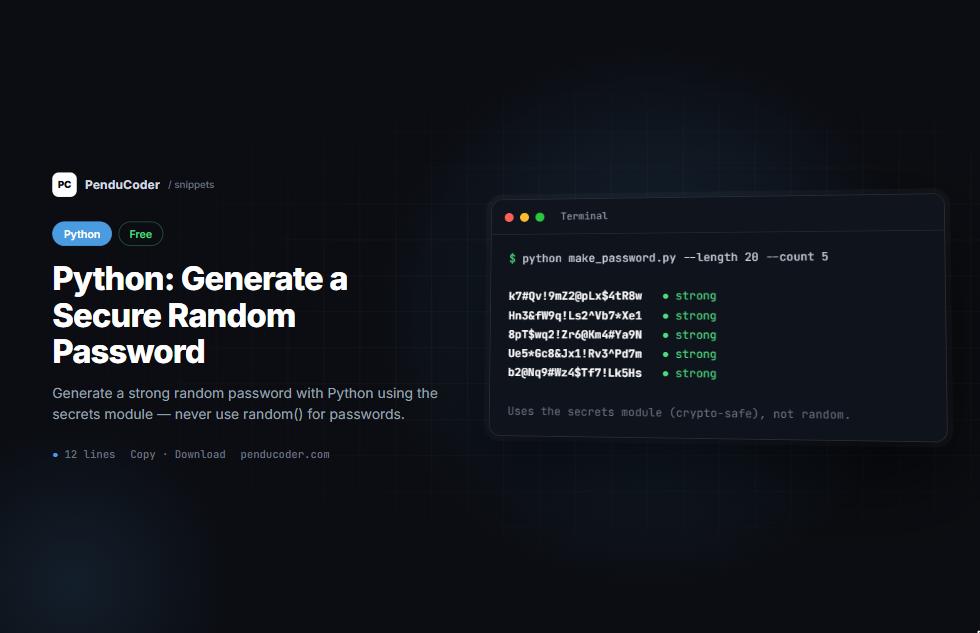
Weak and reused passwords are still the most common way accounts get taken over. This snippet generates strong random passwords in Python using the secrets module — the standard library's cryptographically secure random generator — so you can create passwords for new users, API keys, database accounts or test data safely.
Why secrets and not random?
Python's random module is designed for simulations and games; its output can be predicted if an attacker sees enough values. secrets uses the operating system's secure source of randomness and is the right tool for anything security-related.
How it works
- It builds an alphabet of characters — lowercase, uppercase, digits and symbols.
- It picks each character independently with
secrets.choice() up to the requested length. - It can ensure the password contains at least one character of each type, which many sites require.
How long should a password be?
- 16 or more characters for user and admin accounts.
- 32 or more characters for machine credentials such as database passwords and API secrets.
- Length matters more than complexity: every extra character multiplies the number of possibilities.
Customize it
- Remove look-alike characters (
O, 0, l, 1) for passwords people must type by hand. - Leave out symbols that cause trouble in shell commands or connection strings.
- For URL-safe tokens,
secrets.token_urlsafe(32) is a one-liner.
FAQ
Should I store generated passwords? Never store user passwords in plain text — hash them (for example with bcrypt or Argon2). Use a password manager for your own credentials.
Related: OWASP Top 10 explained · 10 Python automation projects