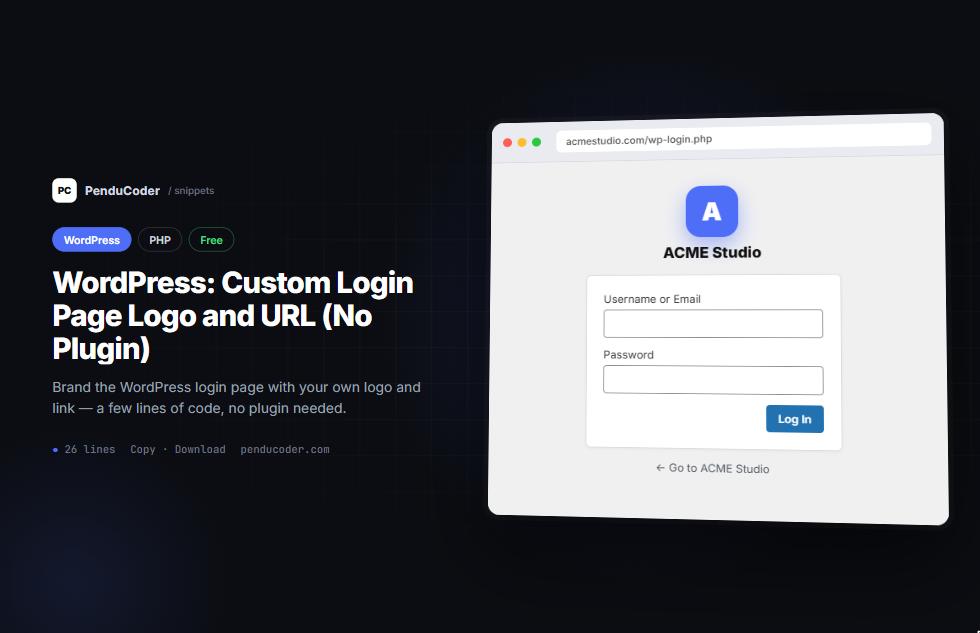
The default WordPress login screen shows the WordPress logo and links to wordpress.org — fine for your own blog, but unprofessional on a client's site. This snippet replaces the logo with your own, points the logo link to the site's homepage and changes the hover text to the site name, all without a plugin.
How it works
- It hooks into
login_enqueue_scripts to print a little CSS on the login page only, replacing the background image of the logo. - It uses the
login_headerurl filter to change where the logo links to. - It uses the
login_headertext filter to change the logo's accessible text to your site name.
How to use it
- Upload your logo (SVG or a PNG around 320×80 px) to the theme or media library and set its URL in the snippet.
- Adjust the width, height and
background-size so the logo is not cropped. - Add it to a child theme or a small plugin so updates do not remove it.
Go further
- Change the page background colour and button colour to match the brand.
- Add a short message above the form, such as a support email.
- Combine with a custom dashboard widget for a fully branded admin experience.
Security note
Branding the login page is cosmetic. To protect logins, also use strong passwords, two-factor authentication and login rate limiting.
Common problems
- Old logo still showing: clear your browser and page cache.
- Logo stretched or cut off: fix the CSS width, height and background-size values.
Related: Disable comments on old posts · Log 404 errors