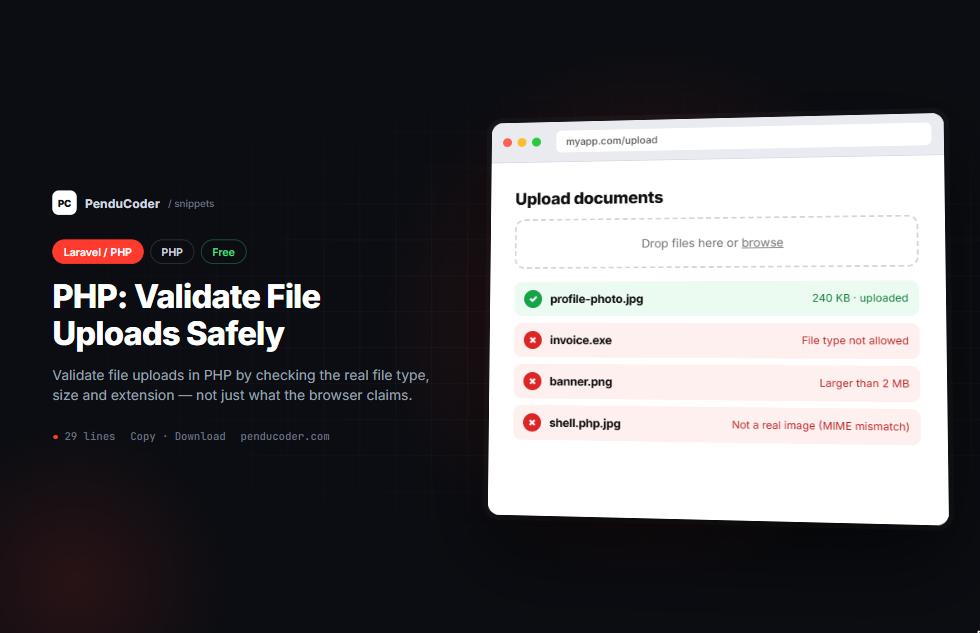
File uploads are one of the most dangerous features on any website. If an attacker can upload a .php file disguised as an image and then open it in the browser, they can take over your server. This snippet validates uploads properly in PHP: it checks for upload errors, limits the size, detects the real file type from its contents, and stores the file under a safe, random name.
How it works
- It rejects uploads that failed or exceed your size limit.
- It checks the actual MIME type with PHP's
finfo instead of trusting the file extension or the browser-provided type, which attackers can fake. - It allows only an explicit list of types (allow-list), for example JPEG, PNG, WebP and PDF.
- It generates a random file name with the correct extension and moves the file with
move_uploaded_file().
How to use it
- Store uploads outside the public web root where possible, and serve them through a script that checks permissions.
- If they must be public, disable PHP execution in the upload folder.
- Set matching limits in
php.ini (upload_max_filesize, post_max_size) and your web server.
Extra protection
- Re-encode images (for example with GD or Imagick) to strip hidden payloads and metadata.
- Never use the original file name in a path — it can contain
../. - Scan uploads with an antivirus tool if users share files with each other.
Common problems
- Large files fail silently: the request exceeded
post_max_size, so $_FILES is empty.
FAQ
Laravel? Use validation rules like file|mimes:jpg,png,pdf|max:2048 and store with $request->file('x')->store(), which generates a random name.
Related: OWASP Top 10 explained · Bulk image resizer