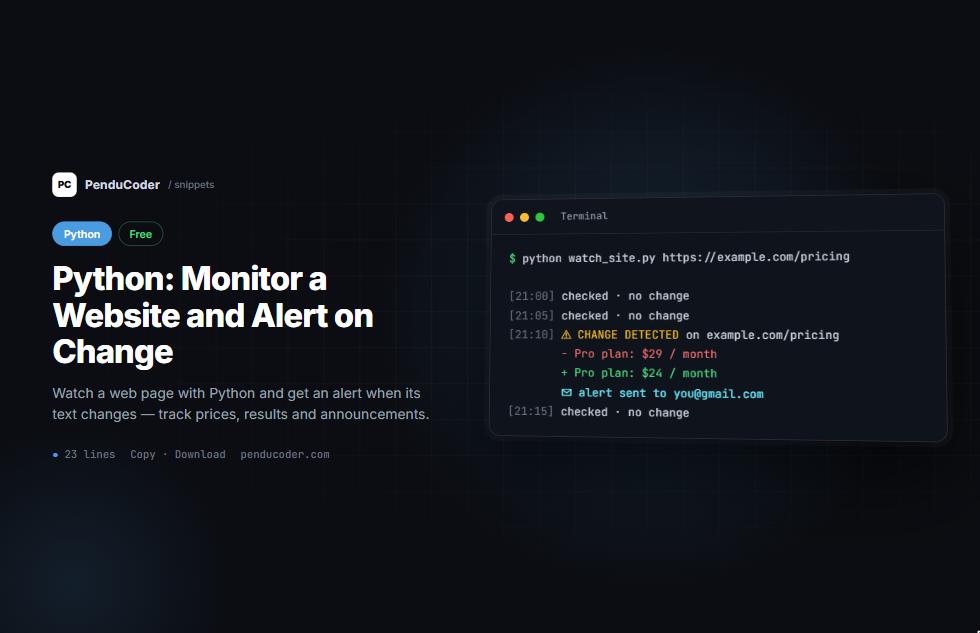
Waiting for a results page, a job listing, a product restock or a government notice? Instead of refreshing it every hour, let Python do it. This snippet checks a web page on a schedule, compares it with the previous version and alerts you when the content changes.
How it works
- It downloads the page with an HTTP request.
- It extracts the part you care about (or the whole text) and creates a hash — a short fingerprint of the content.
- It compares the hash with the one saved from the last run. If they differ, the page changed, so it sends an alert and saves the new hash.
How to use it
- Install the requirements (typically
requests, and beautifulsoup4 if you target part of a page). - Set the URL and, ideally, a CSS selector for just the section you want to watch — otherwise ads, dates and counters trigger false alarms.
- Schedule it with
cron or Task Scheduler every 15–60 minutes. - Connect alerts to Telegram or email — see the Telegram bot snippet.
Be a polite bot
- Check the site's terms and
robots.txt. - Do not check more often than you need; once an hour is plenty for most pages.
- Set a timeout and a clear User-Agent.
Common problems
- Alerts on every run: the page contains changing elements like timestamps. Monitor a specific element instead.
- Empty content: the page loads data with JavaScript. Look for the underlying API request in DevTools, or use a headless browser like Playwright.
FAQ
Can it monitor prices? Yes — extract the price element and compare numbers instead of hashes.
Related: 10 Python automation projects · Retry with backoff