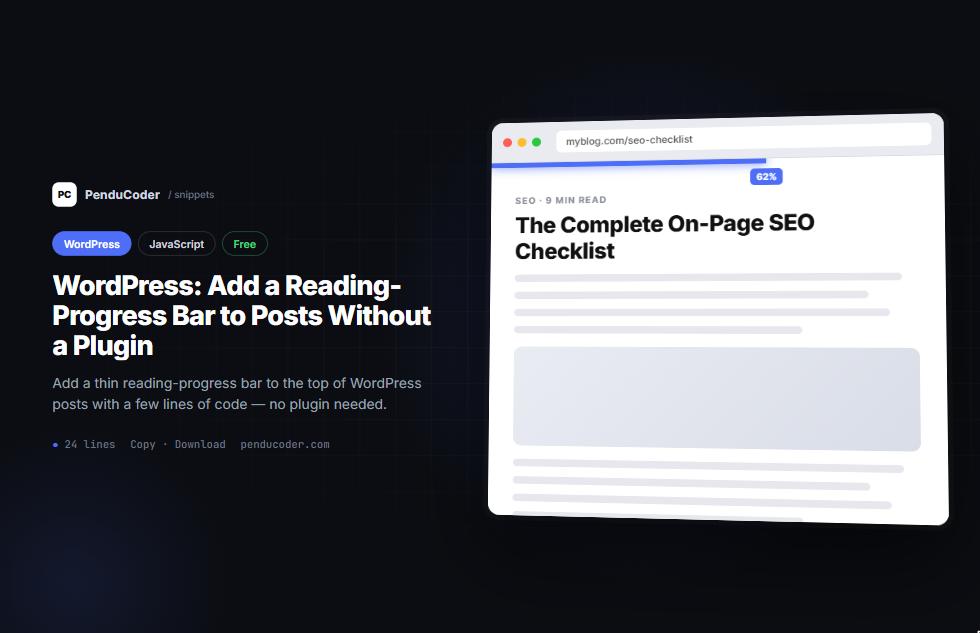
A thin bar at the top of the page that fills up as the reader scrolls is a small touch that makes long articles feel shorter and more manageable. Most plugins that add it also load extra CSS and JavaScript on every page. This snippet adds a lightweight reading-progress bar to single posts with a few lines of vanilla JavaScript and CSS — no plugin and no jQuery.
How it works
- A fixed-position bar is added at the top of the page with a width of 0%.
- On scroll, the script calculates how far the reader has scrolled compared with the total scrollable height.
- It updates the bar's width to that percentage. Using
requestAnimationFrame or a passive scroll listener keeps it smooth and cheap.
How to use it
- Load it only on single posts, for example by enqueueing the script when
is_singular('post') is true. - Change the bar colour to your brand colour and keep the height around 3–4 px.
- If your theme has a sticky header, set the bar's
top value so it sits just below the header.
Customize it
- Measure progress through the article content only (not comments and footer) by using the article element's position and height.
- Combine it with estimated reading time for a complete reading experience.
Common problems
- Bar hidden behind the header: increase its
z-index. - Bar reaches 100% too early: you are measuring the whole page; measure the article container instead.
FAQ
Does it affect performance? Barely — it is a few lines of code that only run while scrolling and do not trigger layout-heavy work.
Related: Dark mode toggle · 5 code snippets every developer needs